Run the demo
The repository has a self-hosted Flagsmith setup with Experimentation turned on, a seed script and the sample game, Flag Runner, which uses every feature in this guide. You need Docker, Python 3 and Unity 6000.6.
cd server
docker compose up -d          # Flagsmith on http://localhost:8000 (the first start takes a minute)
python3 seed.py               # project, 9 flags, a metric and a running 50/50 experiment
seed.py prints the dashboard login and writes the connection details the sample needs into Sample/Assets/Resources/flagsmith.json, which git ignores. Open Sample/ in Unity and press Play.
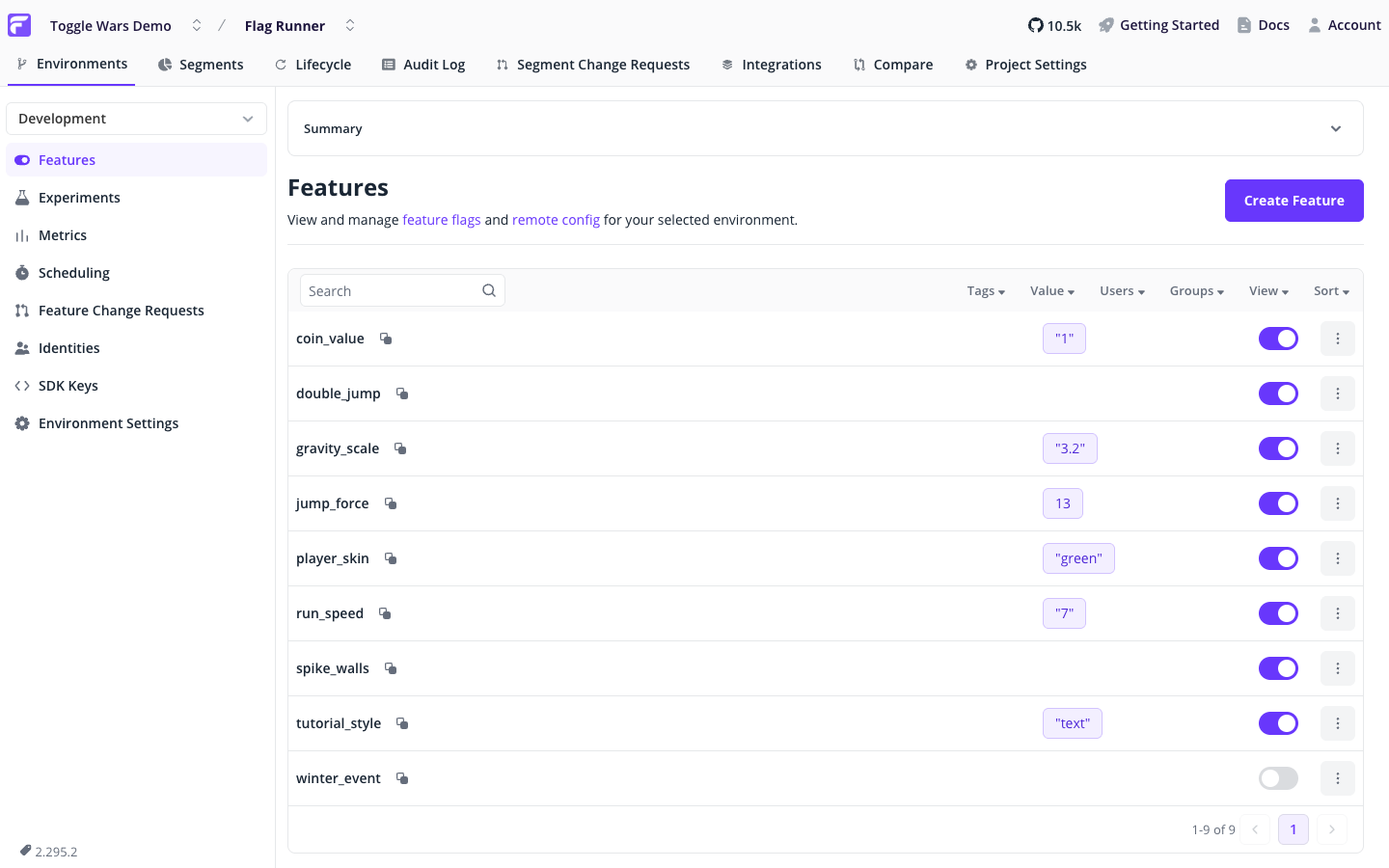
To record or present it hands-free, press A in the game so it plays itself, then run python3 demo.py. It changes the speed, the skin, the winter event, the spike walls and the coin value on a timeline, then puts everything back.
| Command | Does |
|---|---|
python3 flag.py |
Lists every flag and its value |
python3 flag.py run_speed 12 |
Sets a value (on / off toggles a flag) |
python3 demo.py |
Runs the scripted live-tuning timeline |
python3 simulate.py 400 [first] |
Sends 400 synthetic players (IDs from sim-<first>) through the tutorial experiment and refreshes its results |
This setup is for local demos only. It uses the default secrets from Flagsmith's compose file, allows any host, and
seed.pycreates an admin with a fixed password. For a real deployment, follow Flagsmith's self-hosting guide.
You can also play Flag Runner in the browser on the project site, where the page itself answers the game's Flagsmith requests.